Why Are Mobile Proxies the Hardest to Detect?
Learn why mobile proxies are uniquely resistant to detection, how they work, and why they offer high trust for lawful data collection. Discover SocksNode's mobile proxy options.
By SocksNode TeamPublished Aug 3, 202611 min read

Why Are Mobile Proxies the Hardest to Detect?
Mobile proxies have become a cornerstone for businesses, developers, and cybersecurity professionals who require high-trust, undetectable access to public web resources. But what makes mobile proxies so uniquely resistant to detection? In this comprehensive guide, we’ll unpack the technical, infrastructural, and operational reasons why mobile proxies are the hardest to detect, how they compare to other proxy types, and how you can leverage them for lawful, compliant use cases.
Understanding Proxy Detection: An Overview
Before exploring what sets mobile proxies apart, it’s crucial to understand how proxy detection works. Most major web platforms, content providers, and anti-fraud systems deploy a range of detection techniques to distinguish between genuine user traffic and requests routed via proxies or VPNs.
Common Proxy Detection Methods
- IP Reputation Databases: Many platforms use third-party databases that flag known proxy, VPN, and datacenter IPs.
- ASN (Autonomous System Number) Analysis: Datacenter IPs are often registered to hosting providers. ASN lookups can reveal the organization type.
- Connection Patterns: Abnormal request rates, header anomalies, or patterns associated with automation can trigger suspicion.
- DNS and TLS Fingerprinting: Differences in how proxies resolve DNS or establish TLS sessions can provide detection signals.
- Geolocation and Carrier Data: Inconsistencies between claimed location and actual IP data (including carrier info) can flag suspicious activity.
The effectiveness of these methods depends on the proxy type and how closely it mimics genuine user behavior and network characteristics.
What Are Mobile Proxies?
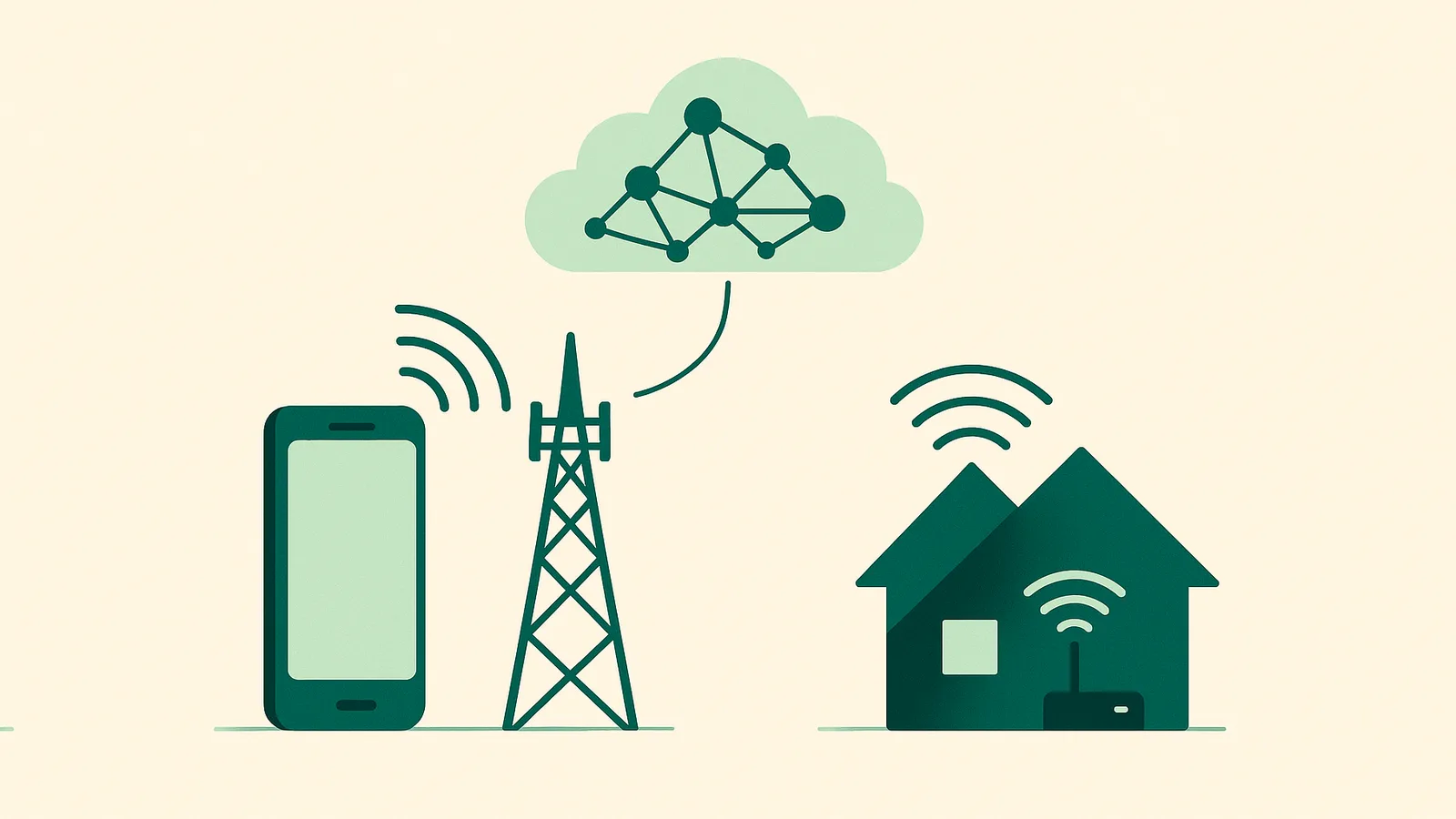
Mobile proxies are intermediary servers that route your internet traffic through real mobile devices connected to cellular networks (4G/5G). Unlike datacenter or residential proxies, mobile proxies leverage IP addresses assigned by mobile carriers (such as Verizon, Vodafone, or NTT Docomo) to consumer devices.
Key Attributes of Mobile Proxies
- Carrier-Grade IPs: Sourced directly from mobile carrier networks, not ISPs or hosting providers.
- Dynamic IP Pools: Mobile IPs are often shared among many devices due to carrier-grade NAT (CGNAT), making individual attribution difficult.
- High Trust Score: Web platforms and anti-fraud systems generally treat mobile IPs as highly reputable due to their association with genuine, active users.
- Frequent IP Rotation: Mobile networks frequently reassign IPs as devices move between cells or reconnect.
At SocksNode, each mobile proxy is a dedicated port tied to a live, rotating 4G/5G IP. This structure ensures carrier-grade trust and allows for legitimate, high-quality access to public web resources. Learn more about SocksNode’s mobile proxy offering.
How Sites Detect Proxies: Methods and Signals
To appreciate why mobile proxies are so effective, it’s helpful to understand the signals that detection systems look for:
1. IP Ownership and ASN Analysis
Websites can check the ASN and owner of an IP address. Datacenter IPs are easily flagged since they belong to cloud hosting companies. Residential IPs, while harder to classify, can sometimes be identified by their ISP range. Mobile IPs, however, are registered to mobile carriers, making them blend in with millions of legitimate mobile users.
2. IP Reputation and Blocklists
Many anti-fraud systems rely on databases of known proxy and VPN IPs. Datacenter and some residential proxies are often listed due to prior abuse or identification. Mobile IPs rarely appear on these lists because they rotate rapidly and are shared among many users.
3. Traffic Patterns
Automated or unnatural request patterns can trigger detection regardless of IP type. However, mobile proxies allow for more natural behavior emulation, especially when combined with appropriate request timing and user agent management.
4. Geolocation and Carrier Metadata
Sites can cross-reference geolocation data and carrier information. Mobile proxies provide accurate carrier and location metadata, which aligns with real-world user profiles.
5. Fingerprinting Techniques
Advanced systems may analyze browser fingerprints, TLS handshakes, and DNS resolution behavior. While not specific to proxies, these signals can combine with IP data to indicate non-human traffic.
Why Mobile Proxies Are the Hardest to Detect
Mobile proxies are uniquely resistant to detection due to a blend of technical and operational factors that set them apart from residential and datacenter proxies.
1. Carrier-Grade NAT (CGNAT) Obfuscation
Mobile networks use CGNAT, which means thousands of devices can share a single public IP address. As a result, any “suspicious” activity on a mobile IP is indistinguishable from the background noise of normal user traffic. Web platforms are reluctant to block these IPs, as it risks locking out entire segments of legitimate users.
2. Constant IP Rotation and High Churn
Mobile IPs are reassigned frequently due to network handoffs, signal changes, or simply reconnecting. This rapid rotation makes it extremely difficult for blocklists to keep up or for platforms to reliably associate abuse with a specific user or device.
3. High Trust and Low Abuse Footprint
Mobile IPs are rarely used for abuse at scale, as access to real mobile devices is more limited and costly than datacenter or residential proxies. Consequently, mobile IPs maintain a higher trust score in reputation databases and anti-fraud systems.
4. Accurate Carrier and Geolocation Data
Unlike some residential proxies, which may have mismatched or outdated location data, mobile proxies provide real-time, carrier-authenticated location and ASN information. This authenticity is difficult to spoof and matches the metadata expected by most web platforms.
5. Human-Like Traffic Patterns
When used responsibly, mobile proxies can closely mimic the browsing patterns, request timing, and header profiles of real mobile users. This makes them less likely to trigger behavioral or fingerprint-based detection systems.
Technical Advantages of Mobile Proxies
Let’s dive deeper into the technical aspects that give mobile proxies their edge:
Carrier-Grade NAT Explained
CGNAT is a technique used by mobile carriers to conserve IPv4 addresses. Instead of assigning a unique public IP to each device, a large pool of devices shares one or more public IPs. This means:
- Any given mobile IP may represent hundreds or thousands of real devices.
- Blocking a mobile IP risks disrupting service for a large group of unrelated users.
- Attribution of suspicious activity to a single device is nearly impossible.
Dynamic IP Assignment
Mobile devices receive new IPs whenever they:
- Move between cell towers
- Switch from 4G to 5G (or vice versa)
- Reconnect to the network after being offline
This dynamic assignment ensures a constantly shifting pool of IP addresses, making persistent blocking or fingerprinting ineffective.
Real-World Metadata
Mobile proxies deliver authentic carrier information (e.g., "T-Mobile US", "Vodafone UK") and up-to-date geolocation. This is in stark contrast to datacenter proxies, which often have metadata that clearly identifies them as cloud-hosted or non-residential.
High-Entropy User Pool
Because so many devices share a single IP, the diversity of TCP/IP fingerprints, browser versions, and user agents from that IP is extremely high. This “entropy” further confounds detection systems that rely on correlation between IP and device attributes.
Summary Table: Why Mobile Proxies Are Hardest to Detect
| Feature/Signal | Datacenter Proxy | Residential Proxy | Mobile Proxy (4G/5G) |
|---|---|---|---|
| IP Ownership | Hosting Provider | ISP (home) | Mobile Carrier |
| ASN/Carrier Metadata | Detectable | Sometimes spoofed | Real, hard to spoof |
| IP Rotation | Manual/Static | Rotating/Static | Frequent, network-driven |
| CGNAT/Shared IPs | Rare | Rare | Standard, high user count |
| Trust Score | Low | Medium | High |
| Geolocation Accuracy | Variable | Variable | High |
| Detection Risk | High | Medium | Very Low |
Real-World Use Cases for Mobile Proxies
Mobile proxies are the solution of choice for scenarios where high trust and undetectability are essential, such as:
- Ad Verification: Ensuring mobile ads display correctly across regions and carriers.
- App and Website Testing: Simulating real mobile user access for QA and UX validation.
- Market and Price Research: Collecting public data as seen by mobile users, including localized app store listings and mobile-optimized sites.
- Fraud Detection and Security Auditing: Evaluating how platforms respond to traffic from real mobile networks.
- Localized Search Engine Monitoring: Checking mobile SERP results in specific regions or carriers.
All use must remain within the terms of each site and applicable law. SocksNode strictly supports only lawful, public data collection and legitimate testing.
Comparing Proxy Types: Mobile vs. Residential vs. Datacenter
Understanding the strengths and limitations of each proxy type helps determine the right tool for the job. Here’s a detailed comparison:
| Attribute | Datacenter Proxy | Residential Proxy | Mobile Proxy (4G/5G) |
|---|---|---|---|
| Source of IP | Cloud/Hosting Provider | Home ISPs | Mobile Carriers |
| Detection Risk | Very High | Medium | Lowest |
| Trust Score | Low | Medium | High |
| IP Rotation | Manual/Scripted | Rotating/Sticky | Network-driven, frequent |
| ASN/Carrier Metadata | Obvious, flagged | Sometimes accurate | Always accurate, carrier-verified |
| Suitable Use Cases | Low-risk, non-blocked | Most data collection, scraping | High-trust, mobile-specific testing |
| Pricing Model (SocksNode) | Coming soon | Per-GB, no expiry | Time-boxed rental, per port |
| Coverage (SocksNode) | Coming soon | 195+ countries | 10 countries (Basic), 6 (Turbo) |
For a more detailed breakdown, see Residential vs. Mobile Proxies: Key Differences.
Best Practices for Using Mobile Proxies Responsibly
To maximize effectiveness and ensure compliance, follow these best practices:
- Stay Within Platform Terms: Only collect public data and respect each site’s robots.txt, rate limits, and terms of service.
- Rotate IPs Appropriately: Use the built-in IP change features to avoid overusing a single IP. SocksNode offers free, unlimited location and carrier switching during your rental.
- Manage Request Rates: Mimic genuine user behavior—avoid high-frequency or unnatural request patterns.
- Respect Bandwidth Limits: With SocksNode, each mobile proxy port includes a 15 GB/day bandwidth cap. Monitor usage to stay within limits.
- Leverage Geo and Carrier Switching: Take advantage of free, unlimited country, state, or carrier changes to cover multiple test scenarios or regions.
- Monitor Logs and Errors: Continuously review your session logs to identify and adapt to any unexpected blocks or challenges.
- Prioritize Security: Never transmit sensitive or personal data through proxies unless encrypted and legally permitted.
Conclusion: Why Choose Mobile Proxies?
Mobile proxies offer unmatched resistance to detection thanks to carrier-grade NAT, frequent IP rotation, authentic metadata, and high trust scores. They are the gold standard for high-trust, lawful public data collection, QA, and mobile-specific testing scenarios. While residential proxies remain highly effective for most general use cases, mobile proxies are the only choice when detection resistance and authenticity are absolutely critical.
With SocksNode’s mobile proxy solution, you get:
- Real 4G/5G carrier-grade mobile IPs
- Free, unlimited country, state, and carrier switching
- Flexible rental durations and predictable, flat pricing
- Dedicated ports with up to 3 concurrent connections and 15 GB/day bandwidth
- Transparent service—no monthly subscription and no hidden fees
Call to Action: Explore SocksNode Mobile Proxies
Ready to experience the hardest-to-detect proxies on the market? Explore our mobile proxy plans and pricing, or sign up for a SocksNode account today. For more details, see our documentation or reach out via Telegram support.
FAQs
What makes a mobile proxy different from a residential proxy?
Mobile proxies route traffic through real mobile devices connected to 4G/5G networks, using IPs assigned by mobile carriers. Residential proxies use IPs from home ISPs. Mobile proxies provide higher trust and are harder to detect due to CGNAT and carrier metadata.
Can websites detect mobile proxies?
While no proxy is completely undetectable, mobile proxies are the most resistant to detection because their IPs are shared among many real users and have authentic carrier metadata. Detection systems are reluctant to block them due to high collateral risk.
Are mobile proxies legal?
Yes, using mobile proxies is legal when collecting public data or testing within each website’s terms and applicable law. SocksNode does not support or condone any abusive or unauthorized access.
How does SocksNode bill for mobile proxies?
SocksNode mobile proxies are billed per port for a fixed rental duration (e.g., 2 hours to 30 days) with a daily bandwidth cap of 15 GB per port. There is no per-GB billing and no monthly subscription.
Which countries are available for SocksNode mobile proxies?
SocksNode offers mobile proxies in a focused list: US (Economy), US/GB/DE/FR/CA/JP/AU/NZ/ES/IT (Basic), and US/GB/DE/FR/AU/IT (Turbo). For full coverage, see our locations page.
What is carrier-grade NAT and why does it matter?
Carrier-grade NAT (CGNAT) is a technology used by mobile networks to share a single public IP among many devices. This makes it extremely difficult to block or fingerprint individual users, increasing the undetectability of mobile proxies.
Can I switch location or carrier during my rental?
Yes. With SocksNode mobile proxies, you can switch countries, states (where available), and carriers as often as you like at no extra cost during your rental period.
How many concurrent connections do I get with a mobile proxy port?
Each SocksNode mobile proxy port supports up to 3 concurrent connections. To increase concurrency, rent additional ports as needed.
Learn more
Frequently asked questions
What makes a mobile proxy different from a residential proxy?
Mobile proxies use IPs assigned by mobile carriers to real devices, while residential proxies use home ISP IPs. Mobile proxies are harder to detect due to carrier-grade NAT and authentic metadata.
Can websites detect mobile proxies?
Mobile proxies are the hardest to detect. Their IPs are shared among many users and have authentic carrier metadata, making detection and blocking highly challenging for most platforms.
Are mobile proxies legal?
Yes, when used for lawful, public data collection or testing within the terms of each website and applicable law. SocksNode supports only compliant use cases.
How does SocksNode bill for mobile proxies?
SocksNode bills mobile proxies per port for a fixed rental period with a 15 GB/day bandwidth cap. There is no per-GB billing and no monthly subscription.
Which countries are available for SocksNode mobile proxies?
SocksNode mobile proxies are available in the US (Economy), 10 countries (Basic), and 6 countries (Turbo). See the locations page for details.
What is carrier-grade NAT and why does it matter?
Carrier-grade NAT allows many devices to share one public IP, making it difficult to block or attribute activity to individual users—key to mobile proxy undetectability.
Can I switch location or carrier during my rental?
Yes. SocksNode mobile proxies allow unlimited free country, state, and carrier switching at any time during your rental period.
How many concurrent connections do I get with a mobile proxy port?
Each SocksNode mobile proxy port supports up to 3 concurrent connections. Additional ports increase concurrency.