Quick answer
A mobile proxy routes your traffic through a real 4G/5G carrier network instead of a datacenter. SocksNode rents mobile proxy ports: each port gives you one live carrier IP at a time, on carrier modems shared with other customers, with up to 3 concurrent connections and 15 GB/day on the base plan, over HTTP or SOCKS5, and you keep or change the IP on demand. Rentals run from a $1 two-hour trial to 30 days.
What a mobile proxy is, and what a port gives you
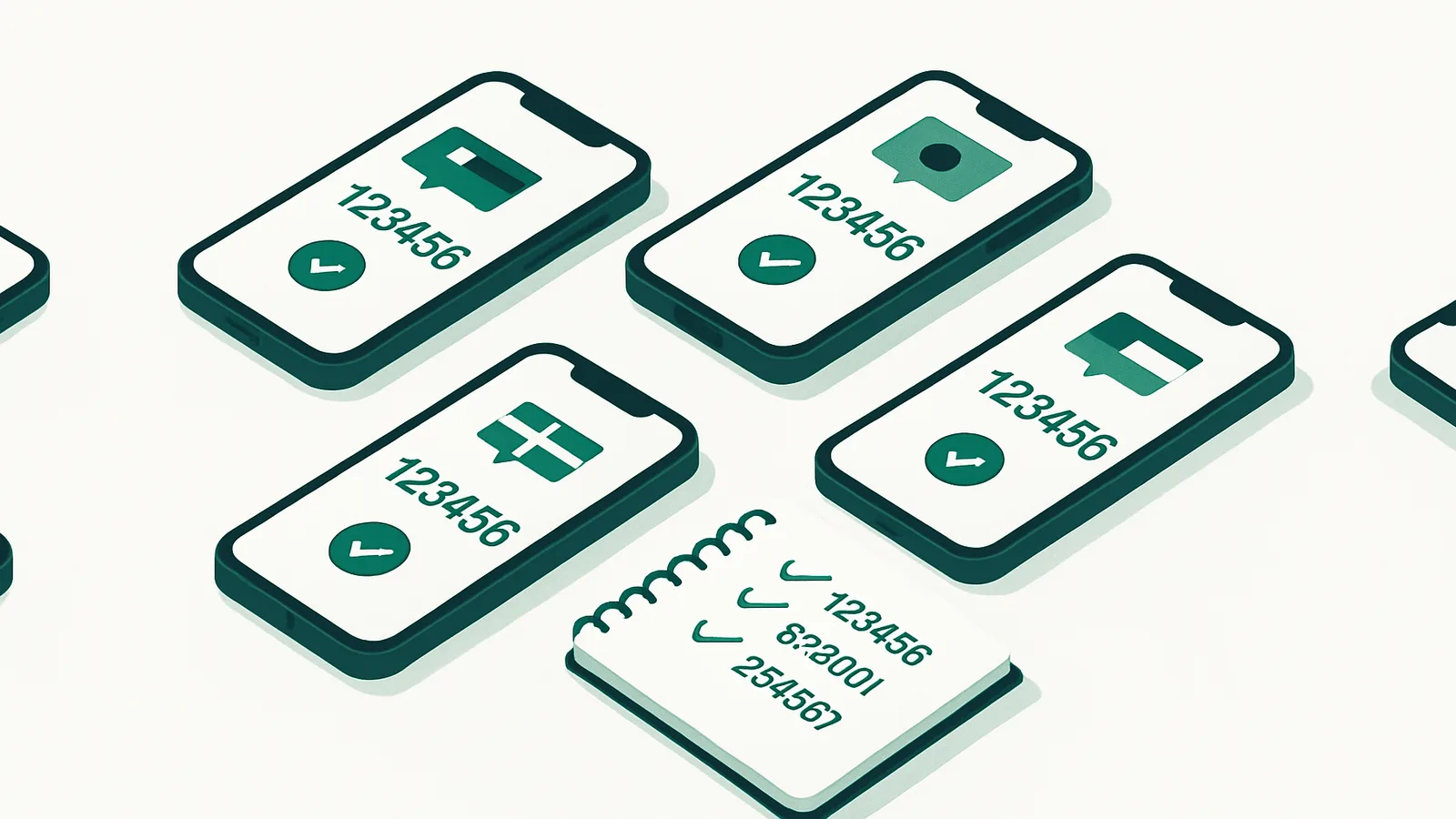
A mobile proxy sends your requests out through a mobile operator's network, so the destination sees an address that belongs to a 4G/5G carrier rather than a datacenter IP range. Carrier addresses are shared among many ordinary phone users at the same time, so a single mobile IP can stand for a large number of real people.
On SocksNode you rent a port for a set period. Each port carries one live 4G/5G address at a time, and you decide when that address moves — hold it for the whole rental or change it whenever you want. Ports run on carrier modems that are shared, so the address is not reserved for you alone. Buy several ports and each one runs its own IP; a single purchase covers up to 50 ports.
The three tiers and what they cost
All three tiers share the same core: a port with one live carrier IP at a time, up to 3 concurrent connections and a 15 GB daily data allowance on the base plan. What changes between them is the headline line speed, how many countries the tier reaches, and which rental lengths it sells. Prices are per port and identical in every country a tier covers — there is no per-country mobile pricing.
Economy is the US-only, lowest-price tier at a 10 Mbps headline speed, and it sells two lengths: $12 for 7 days or $30 for 30 days, which works out at $1.00 a day and is the cheapest month on the line.
Basic runs at the same 10 Mbps but reaches nine countries — the US, UK, Germany, France, Canada, Australia, New Zealand, Spain and Italy — and carries the widest ladder of rental lengths: 2 hours $1, 1 day $4, 3 days $8, 7 days $14, 15 days $24 and 30 days $40 ($1.33 a day). The 2-hour rental is the trial length.
Turbo doubles the headline speed to 20 Mbps across six countries (the US, UK, Germany, France, Australia and Italy), with 12 hours at $2.50, 1 day $5, 7 days $24, 15 days $42 and 30 days $60 ($2.00 a day). Those Mbps figures are tier labels for the line, not a guaranteed or sustained throughput, and longer rentals always cost less per day.
US state-level targeting is on for every tier. How many states are live differs by tier and changes with the network, so the pricing page reads the current figure from the network rather than printing a fixed number here.
Targeting and IP control
Location is not chosen at checkout. The port activates as soon as payment clears, and you then pick country, US state and carrier in the dashboard — and change any of them, any number of times, at no extra cost, for as long as the rental runs. The picker shows live modem availability per location as Ready, Low or None, refreshed every few minutes, so you can steer around a location that is currently full.
The carrier list is pulled live per state and filtered down to genuine mobile operators, so home-broadband and cable ISPs never appear as options. What is on offer varies by tier and over time, which is why the dashboard shows the live list instead of a fixed one.
"Change IP" hands you a fresh address in the same location while your login stays exactly the same, and a private rotation link lets a script trigger the same thing. If you would rather have it on a schedule, server-side auto-rotate takes an interval in seconds — 60 seconds is the minimum — and keeps running with your browser closed, staying inside the country, state and carrier you selected.
The host you connect to is a stable domain that does not change when you switch location, so your configuration survives a move; only the exit IP that websites see changes. Switching between HTTP(S) and SOCKS5 keeps the same IP. If a port's modem becomes unreachable, it is moved to a healthy one automatically and the dashboard tells you when that happened.
How mobile billing works
Mobile is rented, not metered by the gigabyte. The bill is rental length × number of ports, with the daily data allowance acting as a multiplier you choose at checkout: 15 GB/day is the base price, 50 GB/day is 1.3×, 100 GB/day is 1.6×, and an unlimited daily allowance is 2× and available on Basic and Turbo only. In practice a 30-day Basic port is $40 at 15 GB/day, $52 at 50 GB, $64 at 100 GB and $80 unlimited; Economy's 30 days runs $30 / $39 / $48 with no unlimited option.
The daily allowance is a real cap, not a soft one. A port that runs past its allowance inside a UTC day stops accepting connections until the bucket resets at 00:00 UTC — allowances do not roll over. If you need more mid-rental, you can upgrade the allowance for the remaining term and pay only the prorated difference, or buy a top-up block of 15 GB or 50 GB that applies to the current day only.
An active port can be renewed and the new time is added on top of whatever is left. Once a port expires it is released and cannot be renewed, so renew before the clock runs out if you want to carry on with the same port.
Mobile or residential — how to choose
The two products answer different questions. Residential proxies use real home IPs across 195+ countries and are billed per gigabyte, which makes them the tool for broad, geo-specific collection at scale. Mobile proxies exit through real 4G/5G carrier networks, where many phone users share each address, and are billed by time, which makes them the tool for a small number of long-lived sessions you control directly.
If your work needs carrier addresses — for example seeing how a mobile-first app or site behaves on a 4G/5G network — mobile is the right choice. If you need many countries, finer city or ASN targeting, or thousands of independent one-off requests, residential is the better fit — and plenty of teams run both, sending bulk collection through residential and reserving mobile ports for work that needs a carrier network. Either way, use them for lawful work on public data and stay within each site's terms.
Getting started
Pick a tier, a rental length, a daily allowance and how many ports you need, then pay. The port is ready straight after payment; you choose country, state and carrier in the dashboard and copy the SOCKS5 or HTTP details into your tool. Authentication is a username and password, or an IP whitelist of up to 3 addresses if your software prefers that.
The cheapest way in is the $1 two-hour Basic rental, which exists so you can test the product against your own target before committing to a longer term. If you need more than 50 ports or custom regions, get in touch and we'll set it up rather than sending you through self-serve checkout.
See also
Frequently asked questions
What is a 4G/5G mobile proxy?
It is a proxy whose traffic exits through a real mobile carrier network rather than a datacenter IP range. On SocksNode each one is a rented port carrying one live 4G/5G address at a time on shared carrier modems, with up to 3 concurrent connections and a 15 GB daily data allowance on the base plan.
How are mobile proxies different from residential proxies?
Mobile proxies exit through 4G/5G carrier networks and are rented per port for a fixed period with a daily data cap. Residential proxies use real home IPs across 195+ countries and are billed per gigabyte, with bandwidth that does not expire. Mobile gives you carrier addresses shared by many phone users; residential is the broader and cheaper way to collect at scale.
Can I change my mobile proxy IP?
Yes, as often as you like and at no extra cost. "Change IP" gives you a fresh address in the same location while your login stays the same, a private rotation link does the same from a script, and server-side auto-rotate can do it on a schedule — minimum 60 seconds, staying within your current country, state and carrier.
Which countries and US states can I use?
Coverage depends on the tier: Economy is US-only, Basic reaches nine countries (US, UK, Germany, France, Canada, Australia, New Zealand, Spain, Italy) and Turbo reaches six (US, UK, Germany, France, Australia, Italy). US state targeting is available on all three, and the number of live states varies by tier — the pricing page shows the current figure. You can switch country, state and carrier at any point during the rental, free.
How is a mobile proxy billed?
By rental length and number of ports, not per gigabyte. Lengths run from 2 hours to 30 days depending on the tier, and longer rentals cost less per day. The daily data allowance is chosen at checkout and multiplies the price: 15 GB/day is the base, 50 GB/day is 1.3×, 100 GB/day is 1.6×, and an unlimited daily allowance is 2× on Basic and Turbo.
Is there a trial?
There is a paid taster rather than a free trial: the Basic tier sells a 2-hour rental for $1, at the base 15 GB daily allowance, so you can test a real port against your own target before buying a longer term. Economy and Turbo start at 7 days and 12 hours respectively.
How many concurrent connections does one port support?
Up to 3 at a time, on every tier. If you need more parallel work, buy more ports — each port is an independent proxy with its own IP and its own 3 connections, and a single purchase can cover up to 50 of them.