How to Check What Your Ads Really Look Like in Another Country
The ad you see is not the ad they see. A practical way to check the auction, the creative and the landing page from inside each market you sell in.
By SocksNode TeamPublished Nov 14, 20265 min read
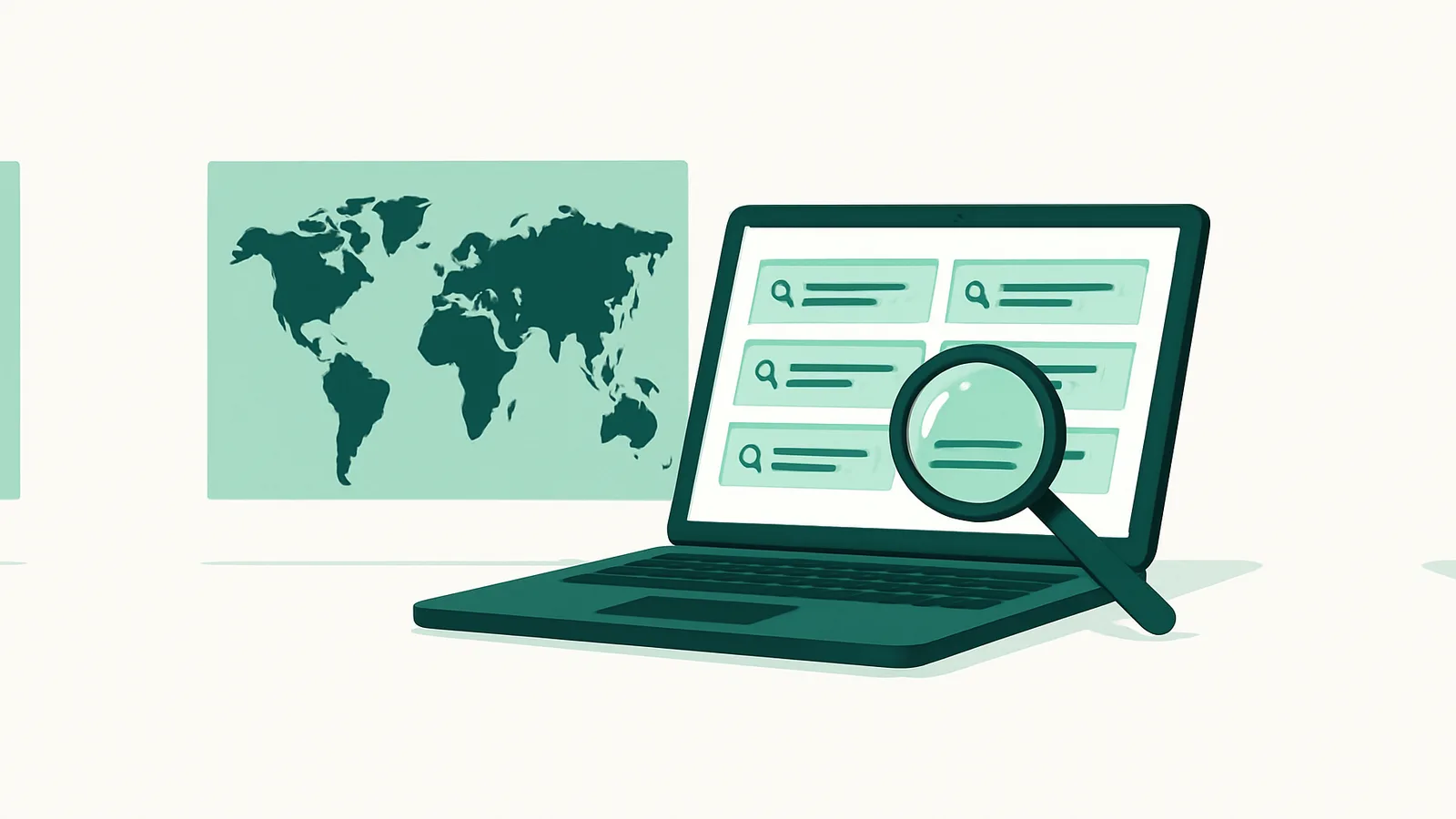
You approve a campaign in one office, it goes live in six markets, and the reports look fine. Then a customer in Manila sends a screenshot: the headline is in English, the price is in dollars, and a competitor you have never heard of sits above you.
Nothing broke. You simply never saw what they saw.
Ad platforms serve by location, and almost everything that matters is decided after that choice — which auction you enter, who else is in it, which currency and format the creative renders in, which policy rules apply. Checking from your own desk tells you what your own market looks like. For every other market you are reading a report instead of looking at the ad.
Here is how to look at the real thing, in an afternoon.
What actually changes between markets
The auction. Competitors differ by country. The three advertisers above you in Germany may not bid in Vietnam at all, and the ones who do may be local brands no keyword tool in your language surfaced.
Price and currency in the creative. Dynamic price insertion and localized landing pages mean the ad someone sees may quote a figure you never typed. This is where most embarrassments live.
Format and policy. Extensions, formats and category restrictions are not uniform. An ad that runs in one country can be limited in another, and the account-level view does not always make that obvious at a glance.
The landing page. Geo-redirects, currency switches, consent banners and sold-out local inventory all change what the visitor gets after the click. A good ad in front of a broken page is worse than no ad.
What rivals promise locally. You cannot write copy against claims you have not read.
Why checking from the wrong place gives the wrong answer
Checking while logged in. Your own account history personalizes what you see, and preview tools inside the ad platform render an approximation, not a live auction result.
Checking through a datacenter address. Commercial VPN and server address ranges are well known to the large platforms. What you get back from one is not necessarily what a household in that country gets.
Checking once. Auctions move through the day. One screenshot at 09:00 local time is a data point, not a measurement.
What to check in each market
- Is your ad serving at all, for your three most important queries.
- Who is above you, and what they promise.
- What the creative says — exact price, currency and offer as rendered.
- What happens after the click, including the consent banner and any redirect.
- How it looks on a phone, if that is where your traffic is.
How to run the check
Pick three to five markets, not twenty. Your biggest, your fastest-growing, and one where the numbers look wrong.
Each market needs a connection that originates there and stays steady long enough to finish a task. A residential address in the target country gives you what an ordinary visitor gets; a sticky session keeps the same address for the whole check, so the auction, the landing page and the screenshot belong to one visit rather than three different ones. SocksNode's residential network targets by country, city and network, and holds a session for as long as the check takes.
Then:
- One clean browser profile per market. No signed-in accounts, no carried-over history.
- The same query list everywhere, written down before you start.
- Two passes at different local hours — morning and evening in the target market, not in yours.
- Screenshot everything, with the time and country in the filename.
Stay inside each platform's terms. You are looking at public results and public landing pages the way a visitor in that country would, not automating interactions with ads.
Turn it into something you can act on
A folder of screenshots is not a finding. After each pass, write one line per market: ad serving, position, price shown, landing page, action.
The action column is the point. "Price renders in USD in PH, fix the currency rule" is a task. "Looks a bit off" is not.
Re-run monthly, or after any change to budgets, feeds or landing pages. Because the query list is frozen, each re-run costs an hour.
Keeping up with what changes underneath
Half the surprises in a multi-market account are not yours. They come from platform changes, policy updates, and whatever competitors are doing in arbitrage-heavy verticals. That is a reading problem rather than a testing one. PPC Rebels covers Google Ads and traffic arbitrage for media buyers, and is a reasonable place to catch those changes before they turn up in your own reports.
The short version
- Three to five markets that mean something.
- A frozen query list.
- A residential address in the market, session held for the whole check.
- Clean profile, two times of day, screenshots with time and country.
- One line per market, ending in an action.
- Repeat monthly.
The first run usually finds something: an ad not serving where the report says it is, a price in the wrong currency, or a competitor nobody in the room had heard of. None of that appears in a dashboard. It appears when you look from where your customers are standing.