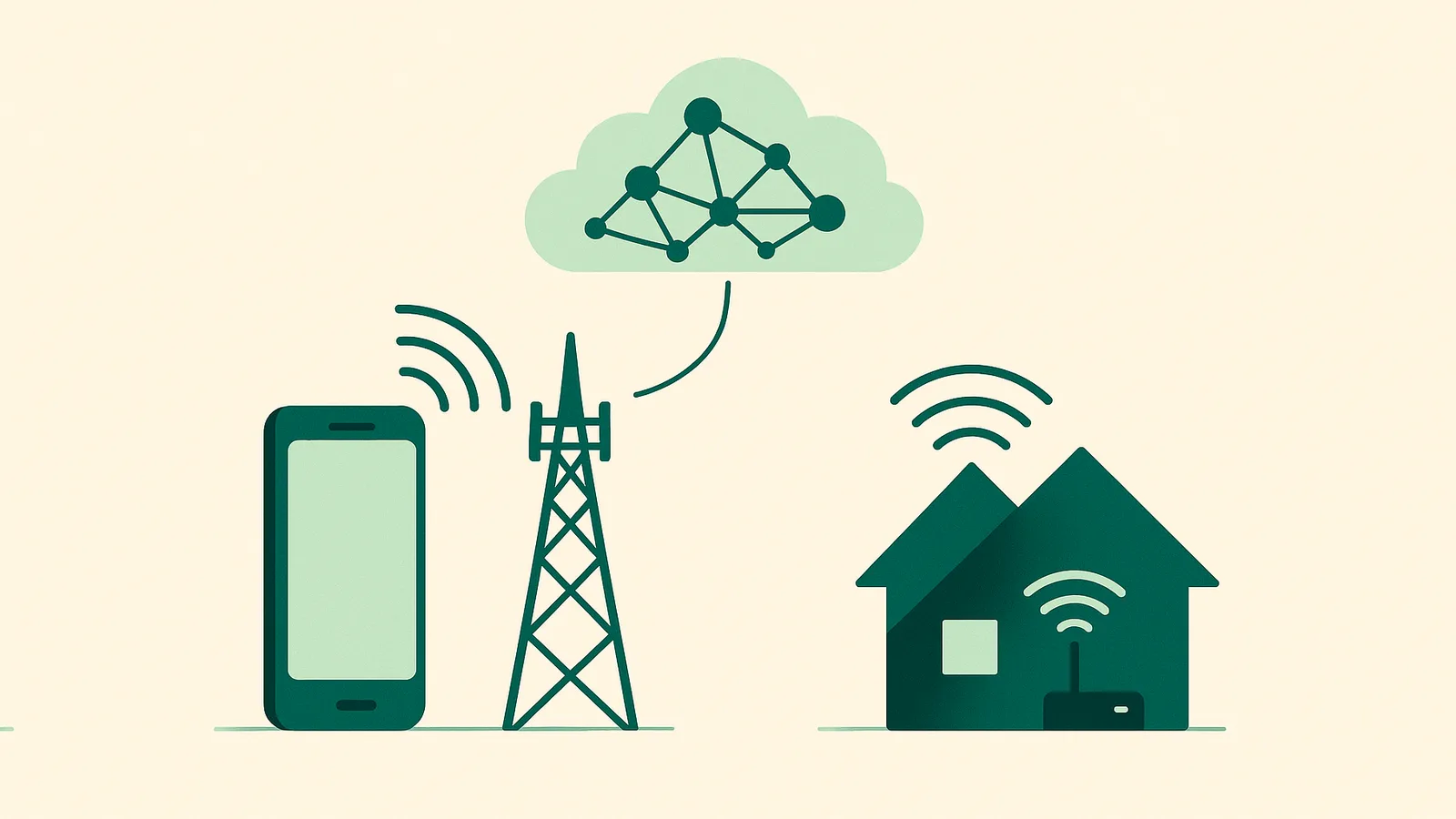
What Are Residential Proxies?
A plain-English explanation of residential proxies: real ISP-assigned IPs on household devices, how they route your requests, and why businesses use them for reliable, localized web data.
By SocksNode TeamPublished Jan 15, 20265 min read

Quick answer: A residential proxy is an intermediary server that routes your web request through a real IP address assigned by an Internet Service Provider (ISP) to a household device, such as a home router or phone. Because the destination website sees an ordinary home IP instead of a data-center address, your traffic looks like a normal residential visitor, which makes it ideal for collecting accurate, region-specific public web data.
How a residential proxy works
When you connect directly to a website, your device's IP address is visible to that site. A proxy sits in the middle: your request goes to the proxy first, the proxy forwards it to the target using a different IP, and the response travels back the same way.
With a residential proxy, that forwarding IP belongs to a genuine home internet connection assigned by an ISP like Comcast, AT&T, or Verizon. The website therefore sees a legitimate residential address in a real city, not a recognizable server range.
The typical flow looks like this:
- Your application sends a request to the SocksNode proxy endpoint.
- The proxy assigns a residential IP that matches your chosen location.
- The request reaches the target website from that residential IP.
- The page or API response returns to your application unchanged.
Residential vs. your direct connection
The table below compares a residential proxy connection with connecting directly from your own machine or a data-center server.
| Characteristic | Residential proxy | Direct / data-center connection |
|---|---|---|
| IP origin | Real ISP-assigned home IP | Your own IP or a hosting provider range |
| How sites perceive it | Ordinary household visitor | Single repeated visitor or known server |
| Location control | Choose country, US state, or city | Fixed to your physical location |
| Best for | Localized, large-scale public data | Everyday personal browsing |
| Session options | Rotating or sticky sessions | One static session |
Rotating and sticky sessions
Residential proxies usually offer two session modes:
- Rotating sessions assign a new IP for each request or after a short interval, which spreads many requests across many addresses.
- Sticky sessions keep the same IP for several minutes, which is useful when a task needs a consistent identity across multiple steps, such as loading a multi-page report.
Both HTTPS and SOCKS5 protocols are commonly supported, so residential proxies work with browsers, scrapers, and most networking libraries.
Why businesses use residential proxies
Companies rely on residential proxies for legitimate, data-driven work:
- Localized results: See exactly what a shopper in a specific US city sees, including regional pricing and inventory.
- Price and market monitoring: Track competitor prices and product availability across regions.
- Ad verification: Confirm that ads render correctly and are not being served fraudulently.
- SEO monitoring: Check how search rankings differ by location.
- Reliability at scale: Distribute lawful public-data collection across many IPs so a single address is not overloaded.
Residential proxies are legal to use for these purposes. What matters is how you use them: always respect each website's terms of service, applicable laws, and personal-data regulations, and only collect information you are permitted to access.
How SocksNode fits in
SocksNode is a residential proxy service built for flexibility. You can start small with 1GB of bandwidth, target locations down to the US city and state level, and use both HTTPS and SOCKS5 with rotating or sticky sessions. Because billing is by bandwidth, you pay for what you use rather than a fixed pool of IPs. See current plans on the pricing page or create an account to test a small amount first.
Key takeaways
- A residential proxy routes requests through real ISP-assigned home IPs.
- Websites see an ordinary residential visitor rather than a data-center server.
- You can control location and choose rotating or sticky sessions.
- Common lawful uses include market research, price monitoring, ad verification, and SEO checks.
- SocksNode offers residential bandwidth from 1GB with US city and state targeting.
FAQ
Is using a residential proxy legal?
Yes. Using residential proxies for legitimate purposes such as market research, price monitoring, and lawful public-web-data collection is legal in most jurisdictions. You remain responsible for following each site's terms of service and applicable laws.
How is a residential proxy different from a VPN?
A VPN encrypts and routes all of your device's traffic through one server, usually a data-center IP, mainly for privacy. A residential proxy routes specific application requests through many real home IPs and lets you control location per request, which is better suited to data collection.
Do I need technical skills to use one?
Basic familiarity helps. Most tools accept a proxy host, port, username, and password, so if you can configure a browser or a script's network settings, you can use a residential proxy. Documentation walks you through the setup.
Can I start with just 1GB?
Yes. SocksNode lets you start from 1GB of bandwidth, so you can test performance and coverage on a small budget before scaling up.