Quick answer
US residential proxies route your requests through IP addresses assigned by American internet service providers, so websites see a visitor located in the United States. SocksNode supports targeting the US at country, state, and city level, with HTTPS and SOCKS5 on every plan starting from 5GB.
Why a US IP matters
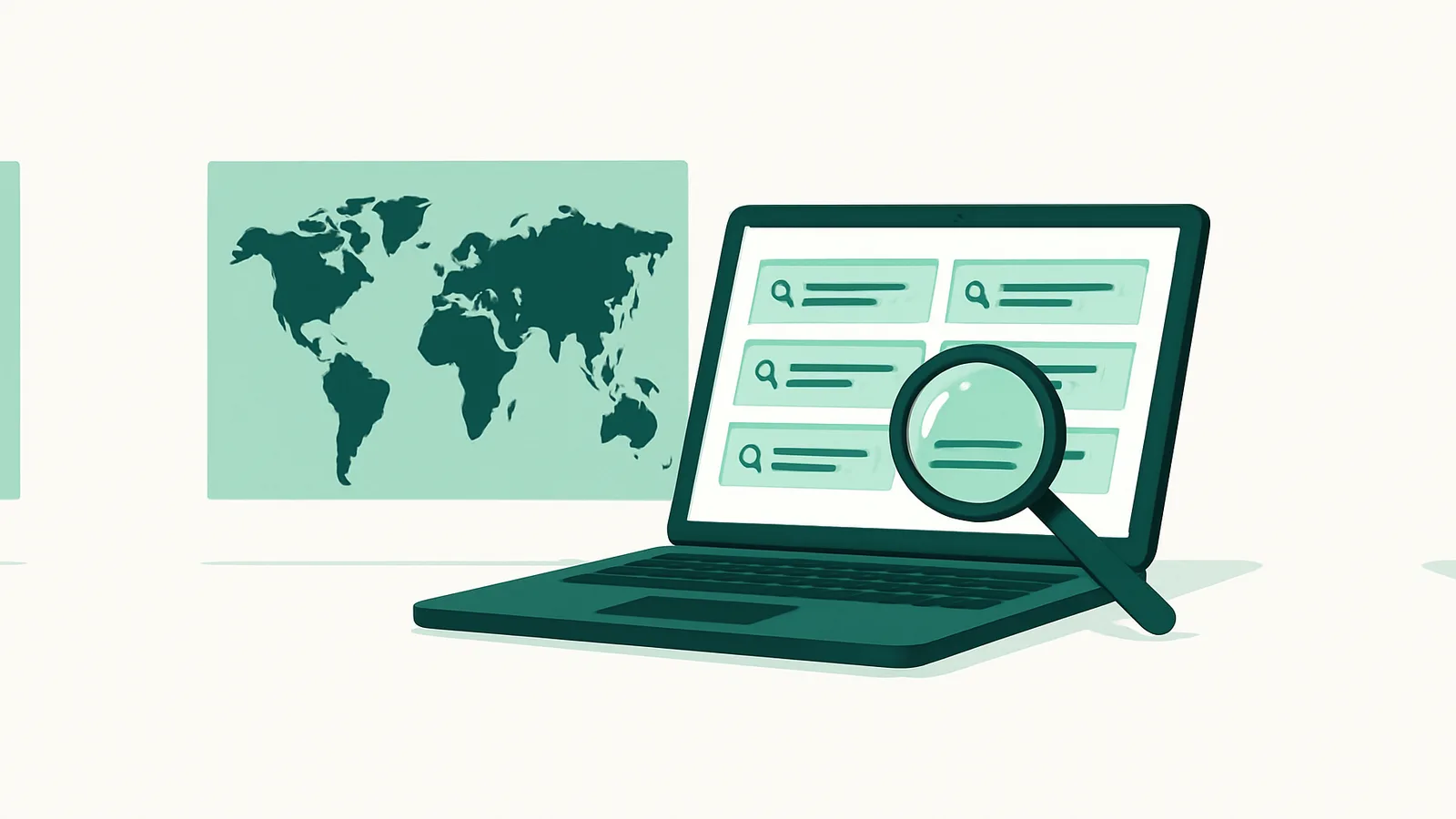
Many websites tailor prices, availability, search results, and ad placements to the visitor's location. To review what a real user in the United States sees, you need a request that originates from a US residential IP. That is what US residential proxies provide for lawful research and verification.
State and city targeting
SocksNode lets you narrow targeting from the whole country down to a specific state or city. This is useful when regional differences matter — for example comparing localized offers or verifying that ads appear in the intended market.
For finer geographic control, see US city-targeted proxies.
Protocols and sessions
Generate US credentials as SOCKS5 or HTTPS, and choose rotating or sticky sessions depending on whether your task needs a fresh IP per request or a stable location across steps.
Legitimate use cases
See also
Frequently asked questions
Can I target a specific US state or city?
Yes. You can target the United States at country, state, or city level when generating credentials.
Do US residential proxies support SOCKS5?
Yes. Every credential can be generated for HTTPS or SOCKS5.
What is the minimum I can buy?
The smallest order is 5 GB, which costs $4.50 ($0.90/GB), and bandwidth is non-expiring, so you can test with a small order and top up later.
Are US residential proxies allowed for any purpose?
Use must comply with applicable law, the terms of the sites you access, and the SocksNode Acceptable Use Policy.